 No Music for YouTube
Watch YouTube
with no music.
No Music removes background music from YouTube videos while you watch, so you hear only the people talking. For lectures, Islamic talks, podcasts, documentaries and more.
Add to Chrome – it's freeWorks in Google Chrome on Windows, Mac and Linux.
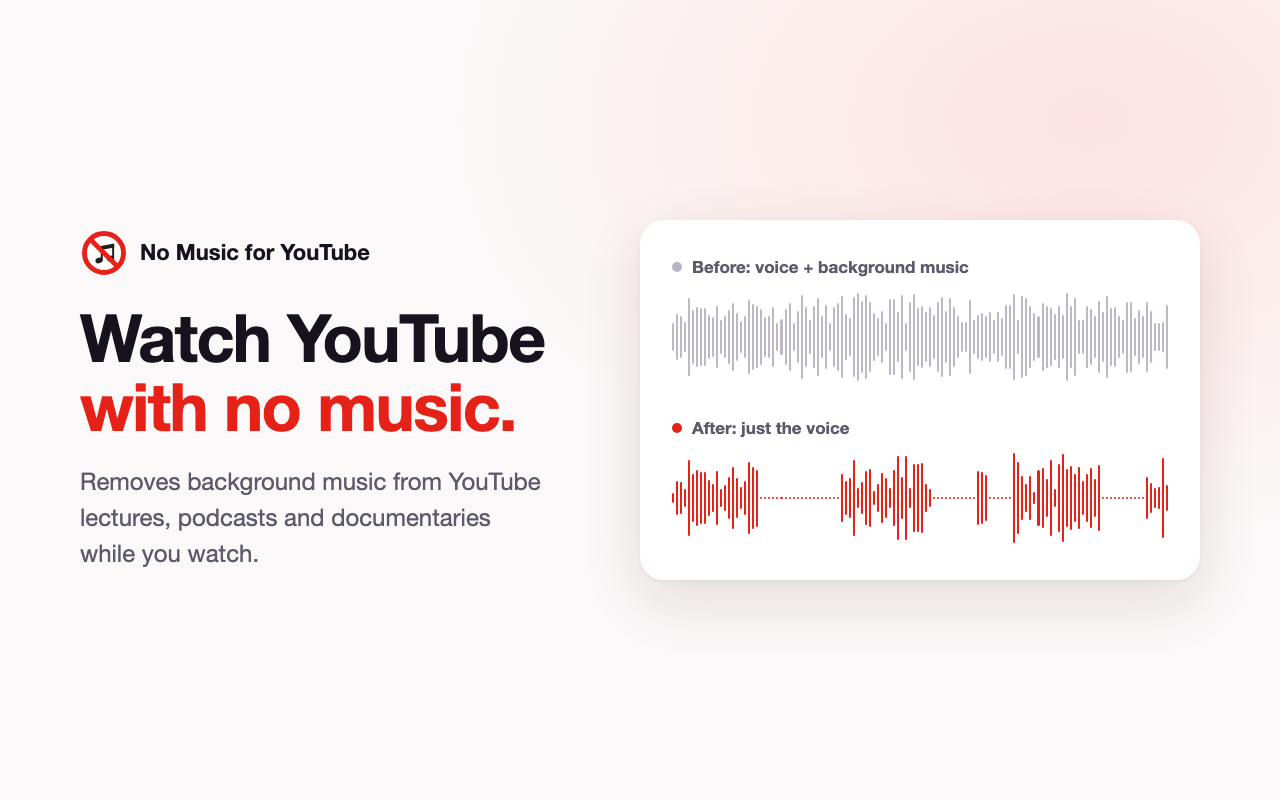
Hear the voice, not the music
Automatic
Works on every YouTube video as soon as it plays. No buttons to press.
Private
The AI runs inside your browser. Audio is never uploaded or recorded, and there's no account.
In your control
Choose how much music to remove, and mute music-only intros and breaks.
How it works
- Add No Music to Chrome from the Chrome Web Store.
- Open any YouTube video. The background music is removed automatically.
- Click the No Music icon to turn it off, or to change how much music is removed.
Questions
- Why do people use it?
- Many people avoid music for religious reasons. Others find background music distracting, or just want to follow speech more easily.
- Does it remove everything except voices?
- Yes. It keeps speech, so sound effects, game audio and singing are removed along with the music. For songs and nasheeds, turn it off.
- Is my audio sent anywhere?
- No. Everything happens on your own computer. See the privacy policy.
- Does it cost anything?
- No Music is free to use.